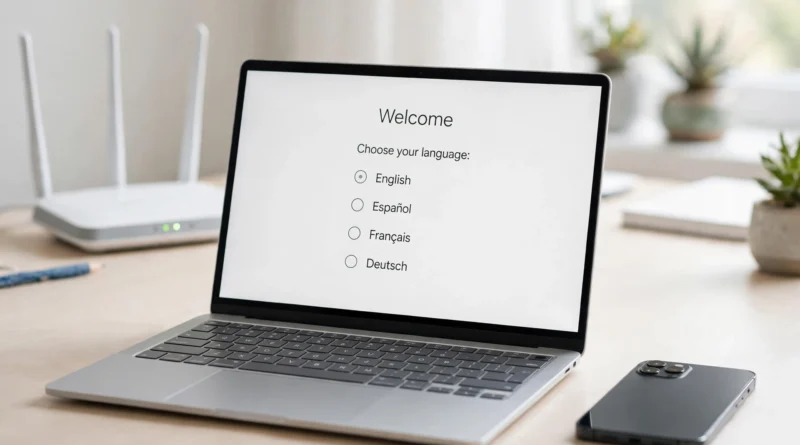
How to Set Up a Googlebook
Set up your Googlebook in a few minutes: charge it, connect to Wi-Fi, sign in with your Google Account, and choose your security. This guide covers Quick Start, child setup, and moving files from Windows or Mac.
Read More
Googlebook reviews, comparisons and buying guides
Googlebook reviews, comparisons and buying guides
Googlebook OS, Gemini AI features, apps and setup guides.
Set up your Googlebook in a few minutes: charge it, connect to Wi-Fi, sign in with your Google Account, and choose your security. This guide covers Quick Start, child setup, and moving files from Windows or Mac.
Read More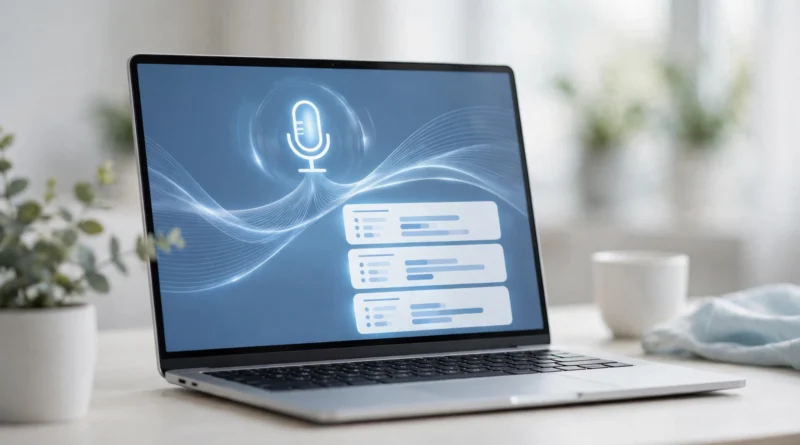
Rambler is Googlebook’s Gemini-powered voice dictation inside Gboard. You talk naturally, with all the ums and false starts, and it returns clean, structured text with headers and bullet points. It is free forever and needs no Google AI Pro subscription.
Read More
Yes, a Googlebook works offline for documents, email, local files and downloaded shows, but its headline Gemini features stop without Wi-Fi. Magic Pointer and Create My Widget need an internet connection, while Docs, Gmail and Android apps keep working if you set them up first.
Read More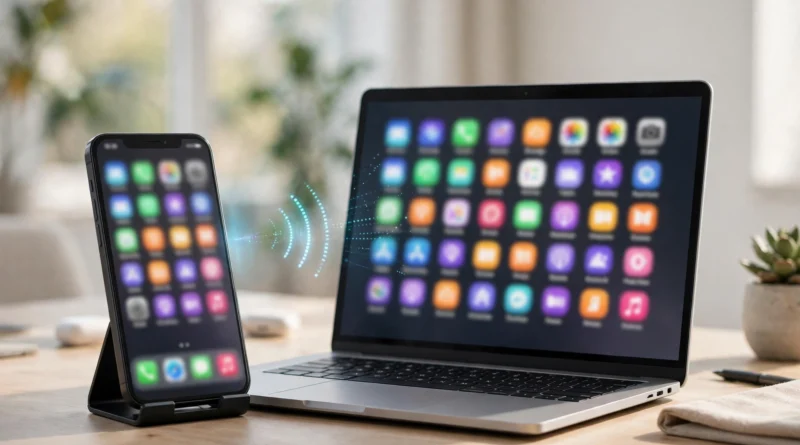
Cast My Apps streams your Android phone apps into windows on a Googlebook, but it is Android only, while Phone Link connects Android and iPhone to a Windows PC and covers messages, calls, photos and apps. The right pick depends on the laptop you own, not on the features alone.
Read More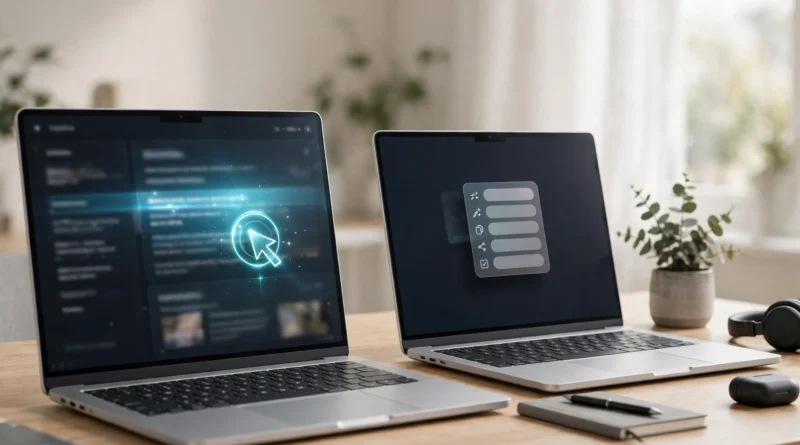
Magic Pointer turns your Googlebook cursor into a Gemini prompt box, while Click to Do turns a Copilot+ PC screen into a menu of quick actions. The difference is not the idea, it is the assistant, the trigger and what each one can do with what it finds.
Read More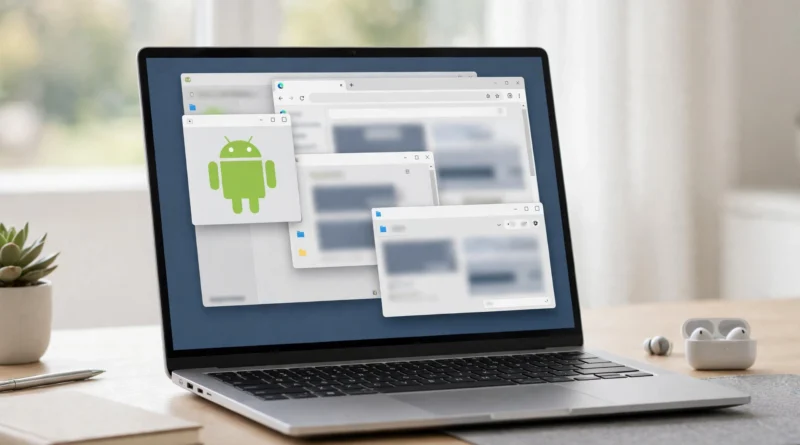
No, a Googlebook cannot run Windows desktop apps. A Windows .exe file will not install or open, because Googlebook OS is built on Android and Google uses no Windows emulation. Web apps, Android apps, the Linux terminal, and remote desktop cover most needs, but some Windows-only programs still need a Windows PC.
Read More
Yes, partly. A Googlebook works with an iPhone for setup, Google apps, iCloud on the web, and RCS texts, but the three headline phone features need an Android phone on Android 17. iMessage and AirDrop do not work.
Read More
Cast My Apps needs a Googlebook, an Android 17 phone, the same Google Account and Wi-Fi network, Bluetooth, and cross-device services turned on. iPhones cannot use it, and Google has announced no iPhone support.
Read More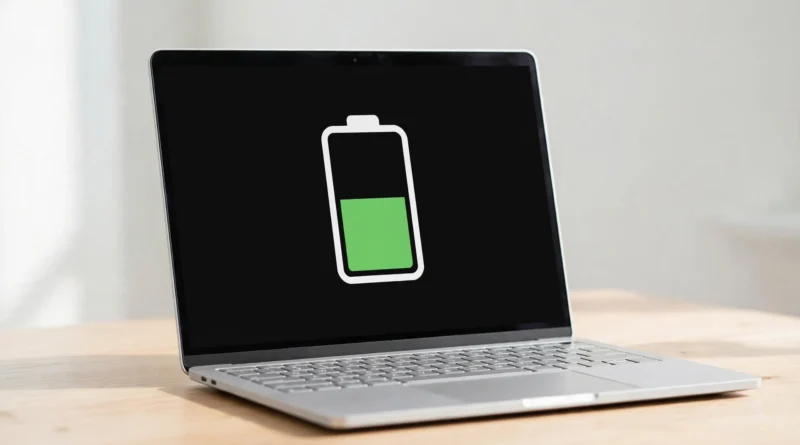
Googlebook battery life falls short of Google’s claims in independent testing. Tom’s Guide measured 10 hours 4 minutes to 11 hours 52 minutes across all five models, with the HP Googlebook 14 lasting longest — but no model matches its claimed 13 to 19 hours.
Read More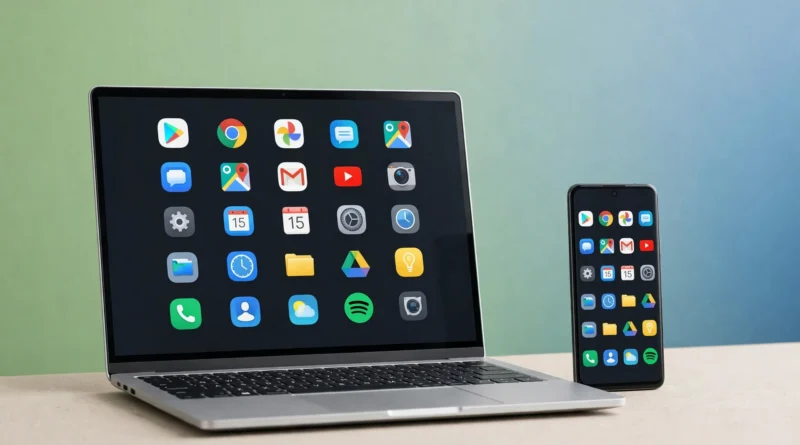
Yes, a Googlebook runs Android apps natively from Google Play, with no container. But quality varies a lot, some apps are missing, and the web app is often the better choice.
Read More